ShaderVision 3.0: GLSL, Shadertoy VR and spatial samples
· sxp.studio
Version 3.0.0 has been submitted to Apple and is awaiting App Review. These are the changes coming in the next App Store update.
ShaderVision 3.0 adds GLSL to the live shader editor on Apple Vision Pro. You can choose Metal or GLSL when starting a project, write vertex and fragment shaders, and see your changes in the space around you. Existing Metal projects still open as before.
GLSL, with the whole pipeline available
GLSL uses the same spatial inputs as Metal: frame data, per-eye views, tracked hands, pinch gestures and the reconstructed environment mesh. The spinning cube gives you a small vertex-and-fragment project to start editing.
The new Shadertoy VR starter offers a convenient way to write an immersive effect with mainVR. Its vertex shader and stereo adapter are project files you can inspect and change. Supported Shadertoy-style VR shaders can use this workflow; it is not a general importer for every Shadertoy project.
The getting-started guide now lets you switch its examples between Metal and GLSL. The Shadertoy VR guide explains entry points, uniforms and compatibility.
Three samples for your hands and your room
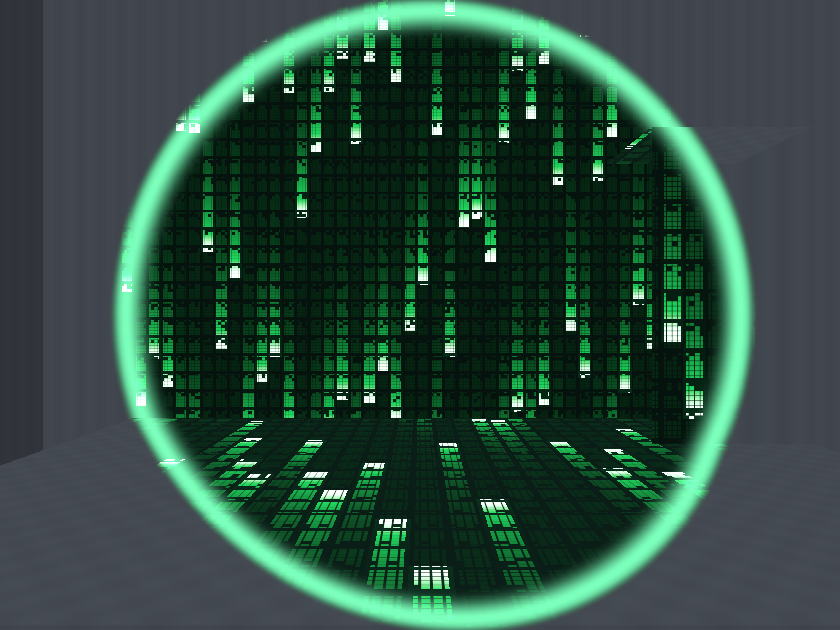
Other Side opens a window of falling green code across scanned walls and furniture. Pinch with both hands and pull apart to widen it. At about 80 cm of separation, the effect covers the scanned room, so you can turn around inside it. Bring your hands together to return to a window.
Pinch Loom stretches a glowing, twisting strand between two pinches. Its core and soft halo share one editable curve file, so a change to the shape keeps both passes in sync.
Living Surfaces creates colorful ripples where your fingertips approach scanned surfaces. Move your fingers to shape the waves, or use both hands to make them interfere.
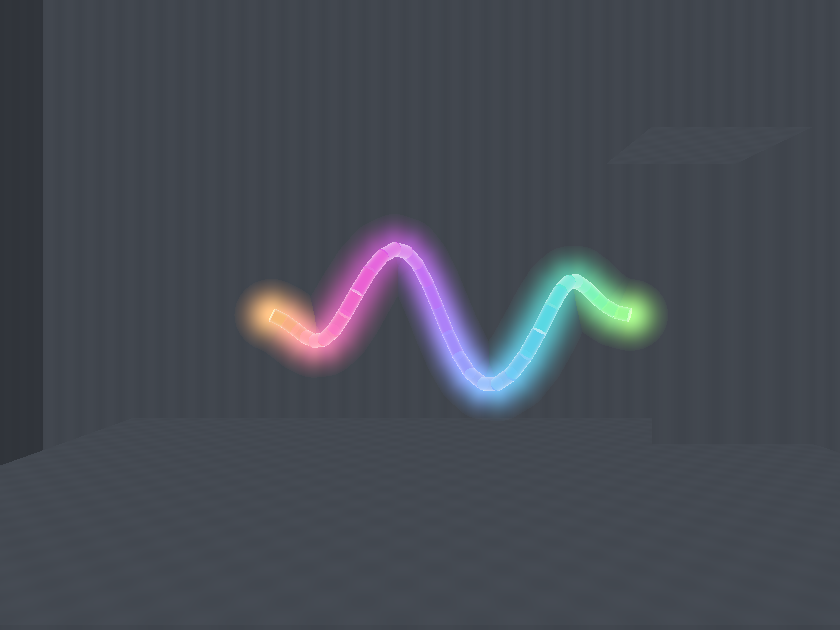
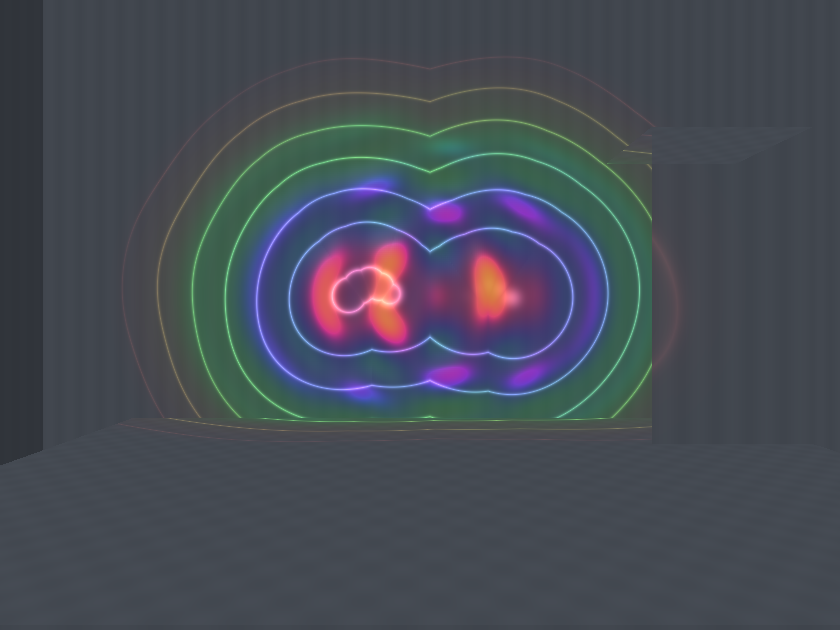
These previews use synthetic tracking inputs and room geometry. On the headset, the room effects need world-sensing permission and scanned surfaces; Living Surfaces also needs hand tracking. All three samples are by sxp.studio and include their editable source under the MIT License.
A sample library that can keep growing
Gallery samples and additional templates now download from the website, starting during onboarding. The app checks for updates automatically, and you can refresh the library yourself. Downloaded samples stay available offline. Updates never overwrite projects you have saved.
The basic Metal cube, GLSL cube and Shadertoy VR starter remain bundled, so you can start a project without a connection. Gallery cards now show language badges, thumbnails and credits. And if you open a sample, play with it and leave without making changes, there is no save prompt to dismiss.
You can read the updated documentation now, or find ShaderVision on the App Store. Version 3.0 will follow after review and release.