
✨ News ✨
Published on January 24th 2025
Happy new year everyone, this is a small app update :-)
New Features
- (beta) Visual Studio Code extension: Edit your shaders directly from VSCode (documentation).
Improvements
- The app is now available in simplified Chinese.
- Online documentation now up to date with the latest version.
Bug Fixes
- Fixed performance issue that would occur when a shader had a compiler error.
Published on December 8th 2024
Hello everyone! After a short break from working on this project, I'm back with a new version of ShaderVision. Mainly driven by feedback from the community, this version introduces quality of life improvements and a few new features. Don't hesitate to help drive the future of this project by joining the Discord server!.
Release Notes:
- New Features:
- Introducing the Timeline Controller
- CodeEditor Settings: Toggle to disable auto-reload
- CodeEditor Settings: New customizable keyboard shortcuts
- Geometry Bindings: New primitives (Cylinder, Cone, Icosahedron)
- Improvements:
- The app is now available in French and Japanese!
- Debug Console: Content can now be copy/pasted
- Control Panel: Each menu is now represented by an icon
- Bug Fixes:
- Fixed some crashes and improved performance.
As always, hope you enjoy :-)
Published on September 16th 2024
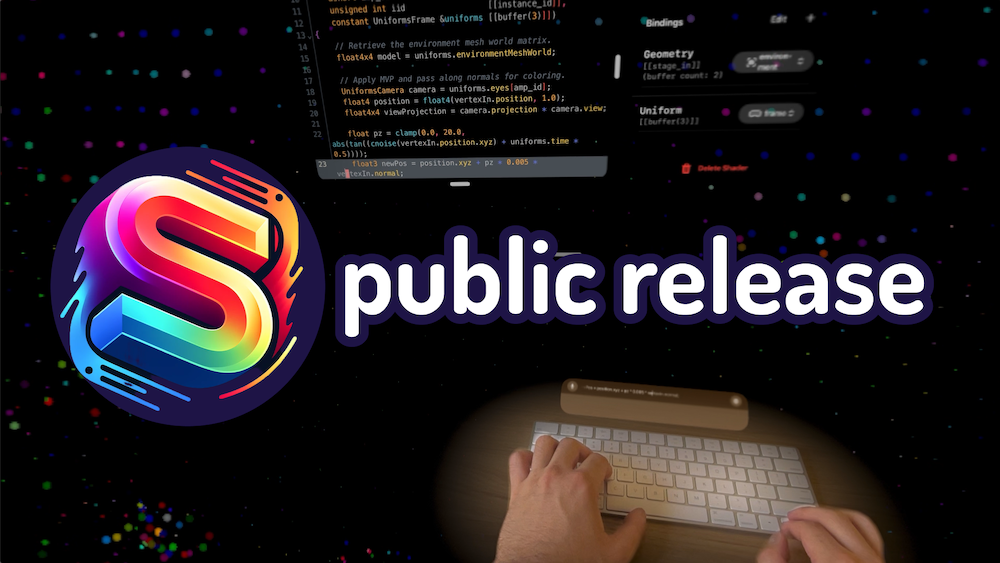
After several months of work, I'm excited to announce that ShaderVision is now available for VisionOS 2.0!
ShaderVision is free to use, meaning that you won't have to pay to use it and all of the core features will be accessible to you at no cost. There is an optional Editor License available for a one-time purchase (no subscription!). The license adds some extra bonus features for power users that want to customize their editor experience. If you love the app and would like to support the development of this software, please consider buying a license 🙏
If you are interested in showcasing your work, cool shader effects shared on Discord can be featured in the gallery section!
Once again, a big thank you again to all our beta testers who provided invaluable feedback. As a token of gratitude, they will be receiving the editor license for free.
Release Notes:
- New Features
- Onboarding screen when launching the app for the first time
- Gallery section in the homepage with brand new samples
- Vim/Emacs keyboard bindings for the editor
- Uniform Bindings now have a color type
- Bug Fixes
- Projects using custom textures or meshes could not be saved
- The debug panel would sometimes report compiler errors with incorrect line and column numbers
- Improvements:
- Shader Passes can now be disabled
- Breaking Changes:
- Winding order is now counter-clockwise by default
- Projects created with SV v2.3 or below may not be compatible
The documentation has been updated with the latest changes and you will also find a brand new FAQ section with common questions.
Feedback is more than welcome and can help me shape the feature development for this app. If you would like to get in touch, don't hesitate to join the Discord or send an email.
Enjoy!
Published on August 25th 2024
This is the third and last TestFlight release of ShaderVision! The next version will be the public release and will coincide with the public release of VisionOS 2.0.
General Information:
- In order to run it, you will need a recent beta version of VisionOS 2.0;
- We highly recommend using a keyboard (bluetooth or via macOS remote desktop);
- The official documentation is here: Documentation;
- We have a Discord for feedback and showcases: Join Discord;
Release Notes:
- New Features:
- Minimized Mode
- Code Editor: MetalSL keywords auto-completion
- Bindings: Added support for custom uniforms (float, float2|3|4)
- Bindings: Environment light probe texture
- Automatic Anti-Aliasing (MSAA 4x)
- Side Panel: Documentation tab
- New templates
- Bug Fixes:
- App properly handles coming back from being in the background
- Improvements:
- Each project can specify an author name and a description (shown in minimized mode)
- Add performance knobs to disable ARKit features
- Breaking Changes:
- Projects created with v2.2 and below are not compatible
- Reduce maximum vertex buffer binding size from 3 to 2 slots
Enjoy!
Published on August 9th 2024
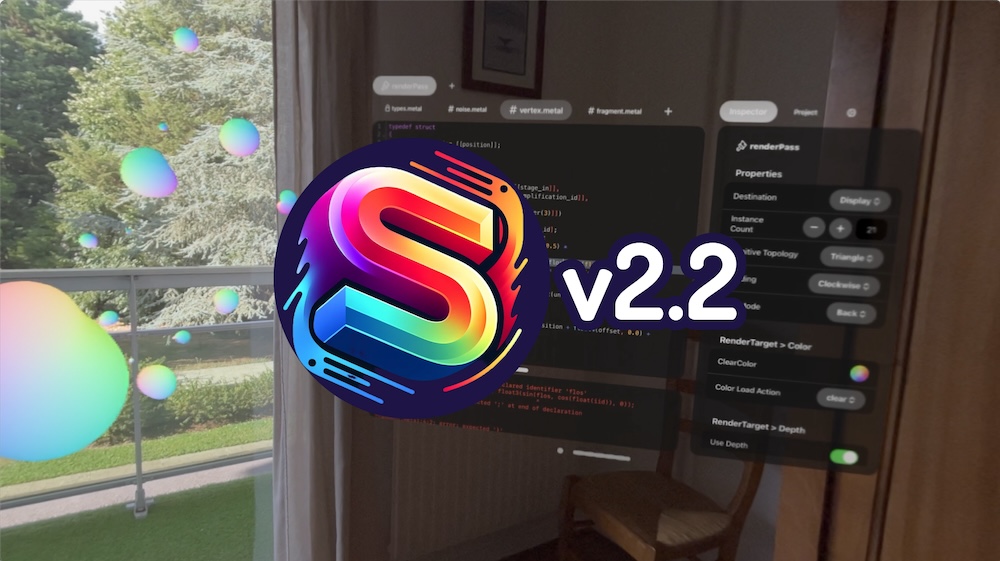
This is the second TestFlight release of ShaderVision.
General Information:
- In order to run it, you will need a recent beta version of VisionOS 2.0 (Beta 3 or above);
- We highly recommend using a keyboard (bluetooth or via macOS remote desktop);
- The official documentation is here: Documentation;
- We have a Discord for feedback and showcases: Join Discord;
Release Notes:
- New Features:
- Ability to add/remove Shaders
- Ability to add/remove ShaderPasses (RenderPass only)
- ShaderPass now include RenderTarget properties
- ShaderPass now include Blending properties
- SpatialGesture API changed to support up to two hands
- HandTracking API now using an array for finger poses
- New Homepage Gallery tab, will be updated frequently!
- Bug Fixes:
- Remove "GPU Frame Capture" menu that would cause crashes on press
- Fix issue where some assets could not be deleted
- Improvements:
- New UI/UX for adding files
- Make ControlCenter hand gesture harder to trigger
- HandTracking: use pose prediction API
- Breaking Changes:
- Projects created with v0.1 are no longer compatible;
- Quad geometry is now facing the user as its default orientation;
- SpatialGesture API
- HandTracking API
Thanks everyone for your patience and I hope you enjoy this new version!
Published on July 20th 2024.
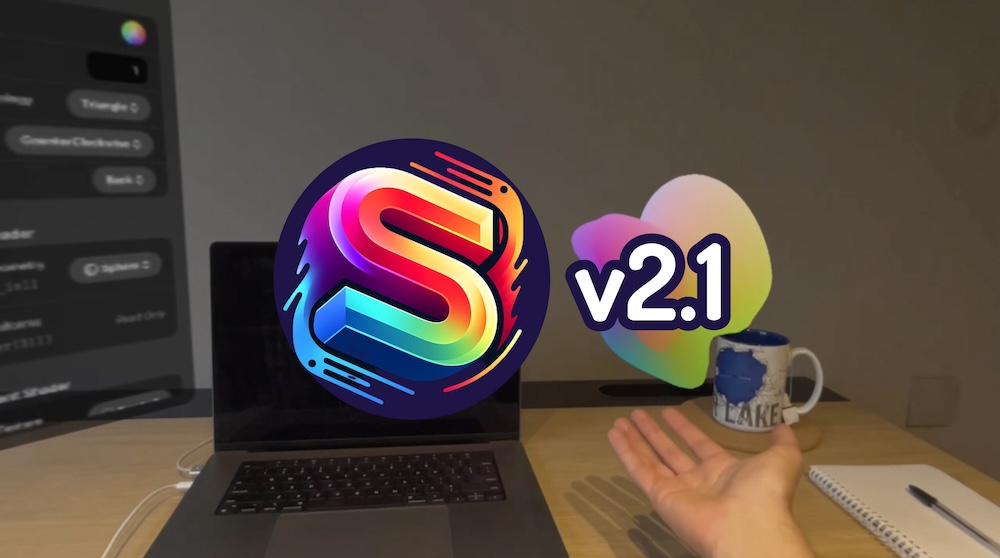
Welcome the ShaderVision beta for Apple VisionPro!
First of all, thank you for your time and interest, this software is still in development but we do hope you will still enjoy using it!
Some important notes:
- In order to run it, you will need the latest beta version of VisionOS 2.0 (Beta 3 or above);
- We highly recommend using a keyboard (bluetooth or via macOS remote desktop);
- The official documentation is here: Documentation;
- We have a Discord for feedback and showcases: Join Discord;
Have fun!