The philosophy is that an idea should cost almost nothing to try.
From ideas to a graph, no friction
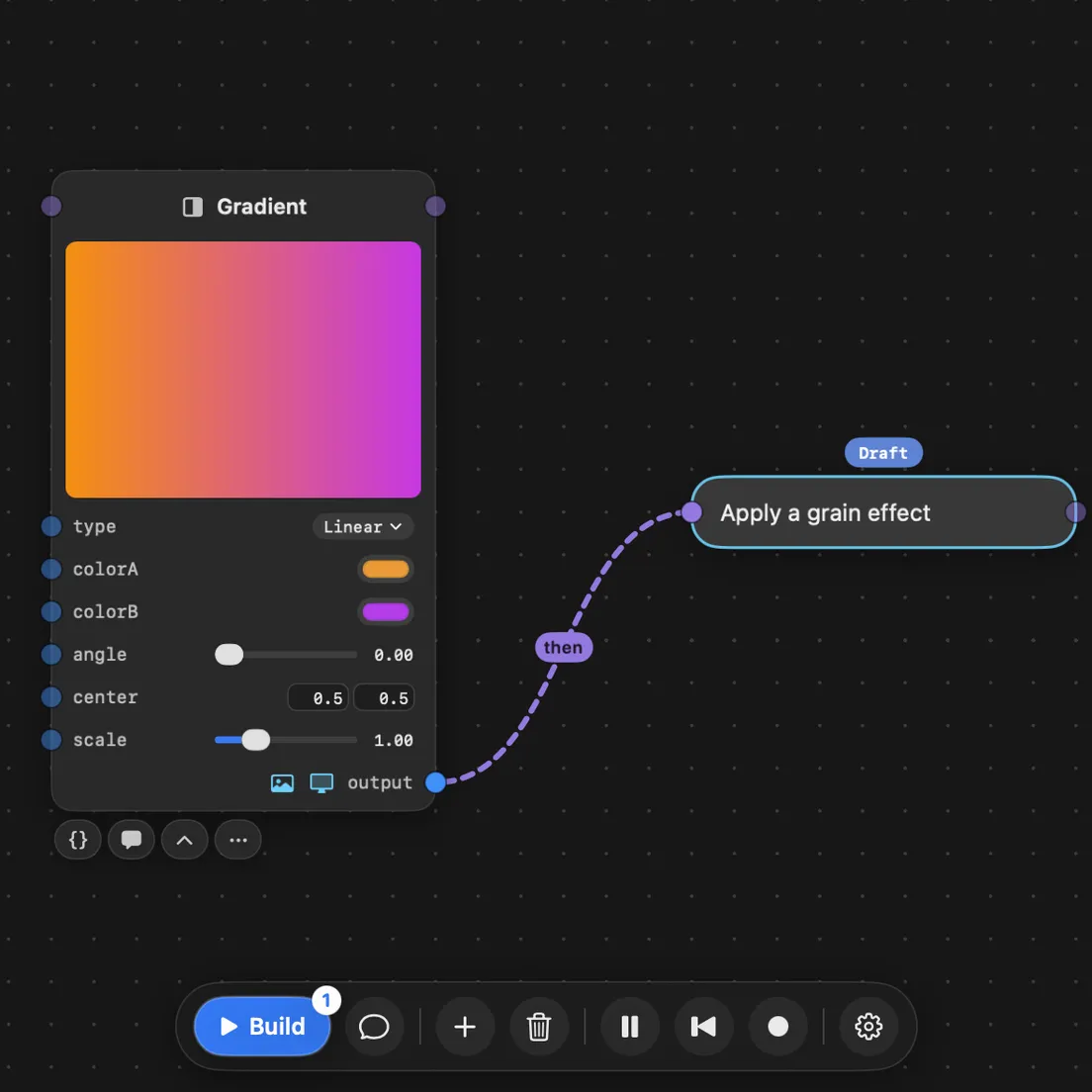
Ask in chat, or wire a prompt into the graph. What you asked for is distilled into connected nodes with named inputs and outputs, each one written as a file of real code by its own agent, all at the same time, and you can keep working while they do.
Fluid controls for playful iteration
Knobs on your nodes are there before you even think to ask, immediately giving you something to tinker with. Chat with the agents to add more. Need something more complex? They build a custom card on the node itself: a meter, handles you drag on the picture, whatever the effect needs. Tweak, look, tweak again.
Deterministic agent workflows for creative tasks
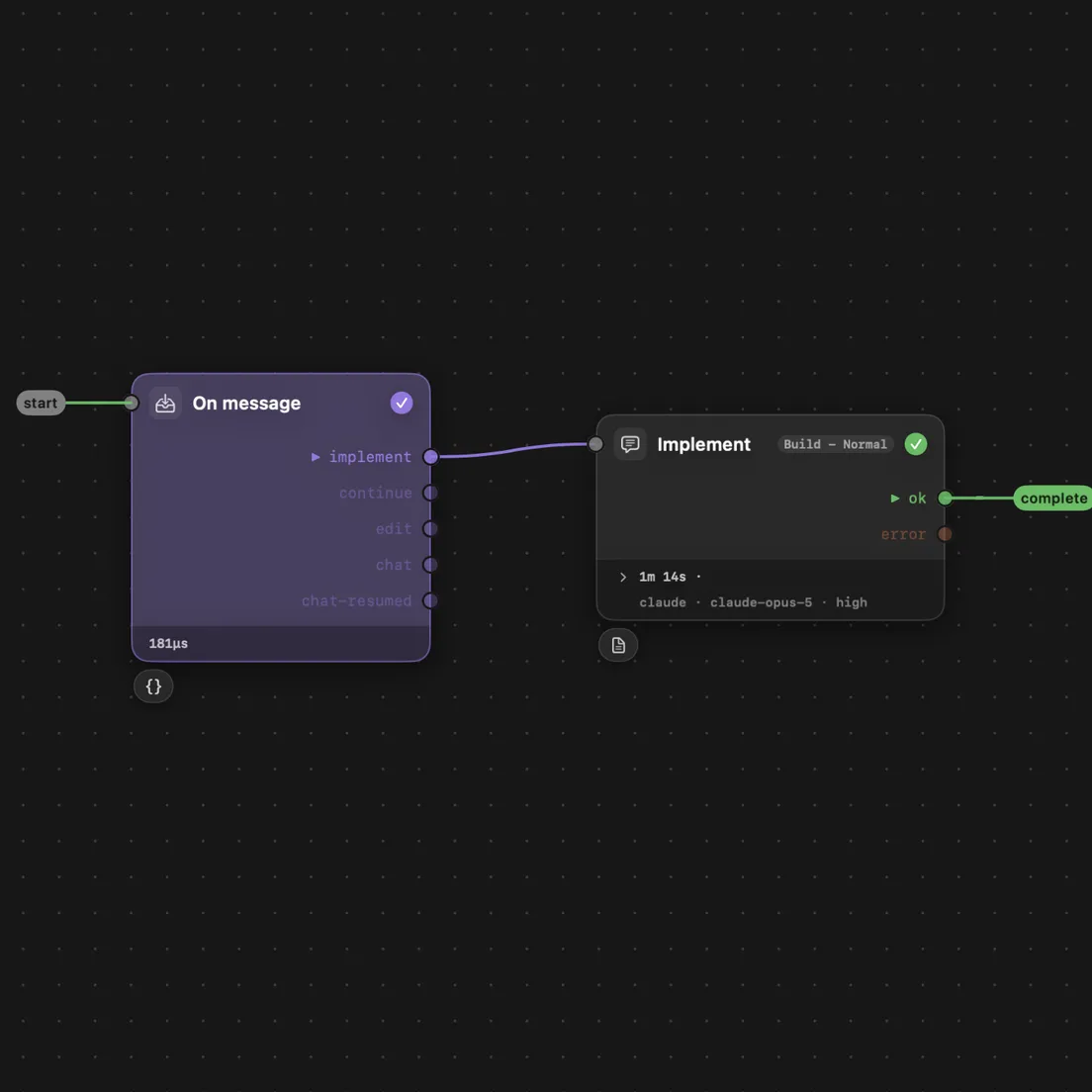
Every agent turn follows a graph of steps, and a step is either code or a markdown prompt: files you can open, change, or write from scratch. Watch one run in the app, step by step. Nothing rearranges itself between runs, so you can see why it did what it did.
Split, merge, rewire, repeat
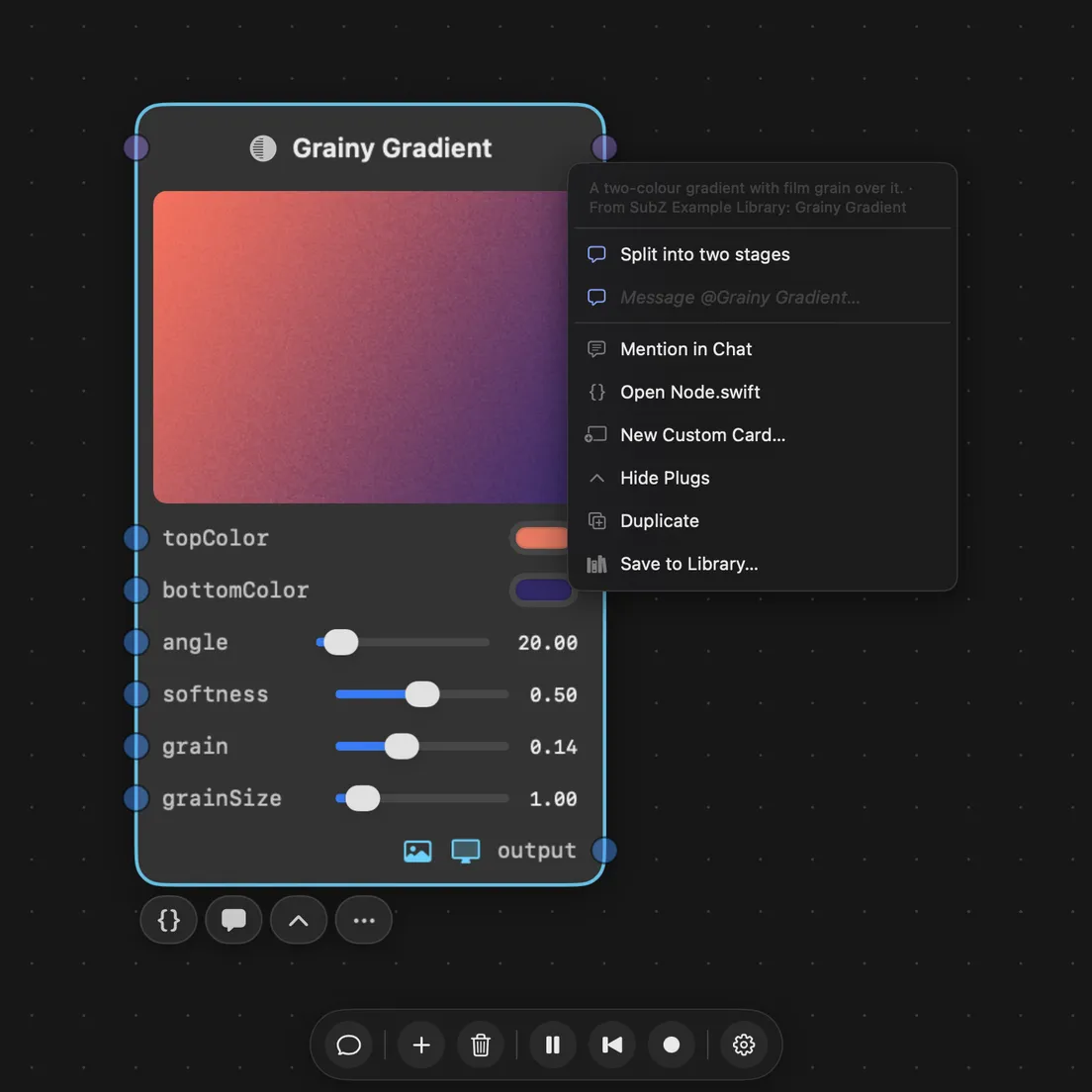
Agents break the rigid patterns other editors lock you into. Want to split a node into two stages? Ask, and it happens. Merge them back, rewire, tune one stage at a time. None of it costs more than saying so.
Every node is code you own
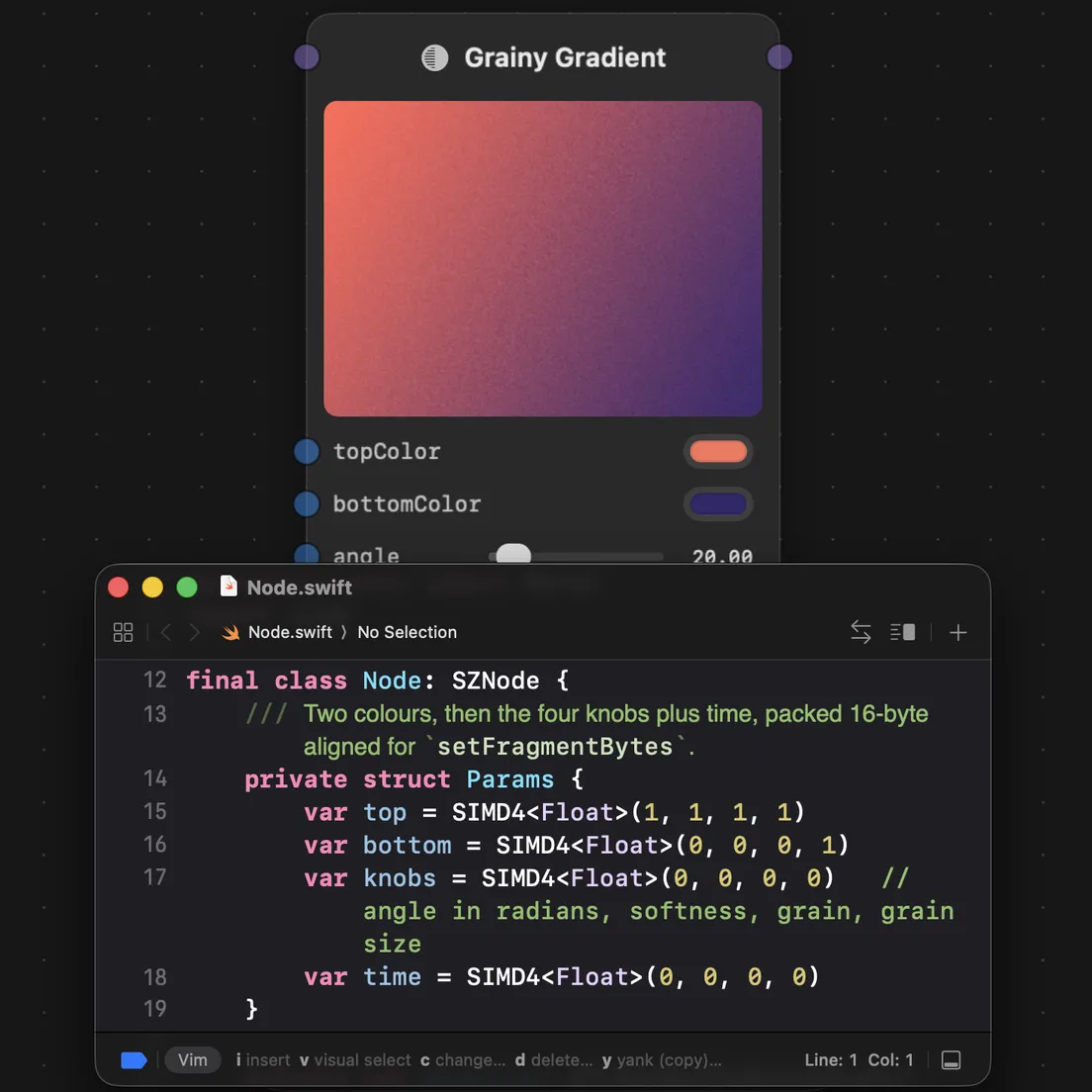
That file the agent wrote is the one you open. Swift and Metal on the Mac, JavaScript in the browser. Change a line and save, and it reloads without dropping a frame.
Build for native or web
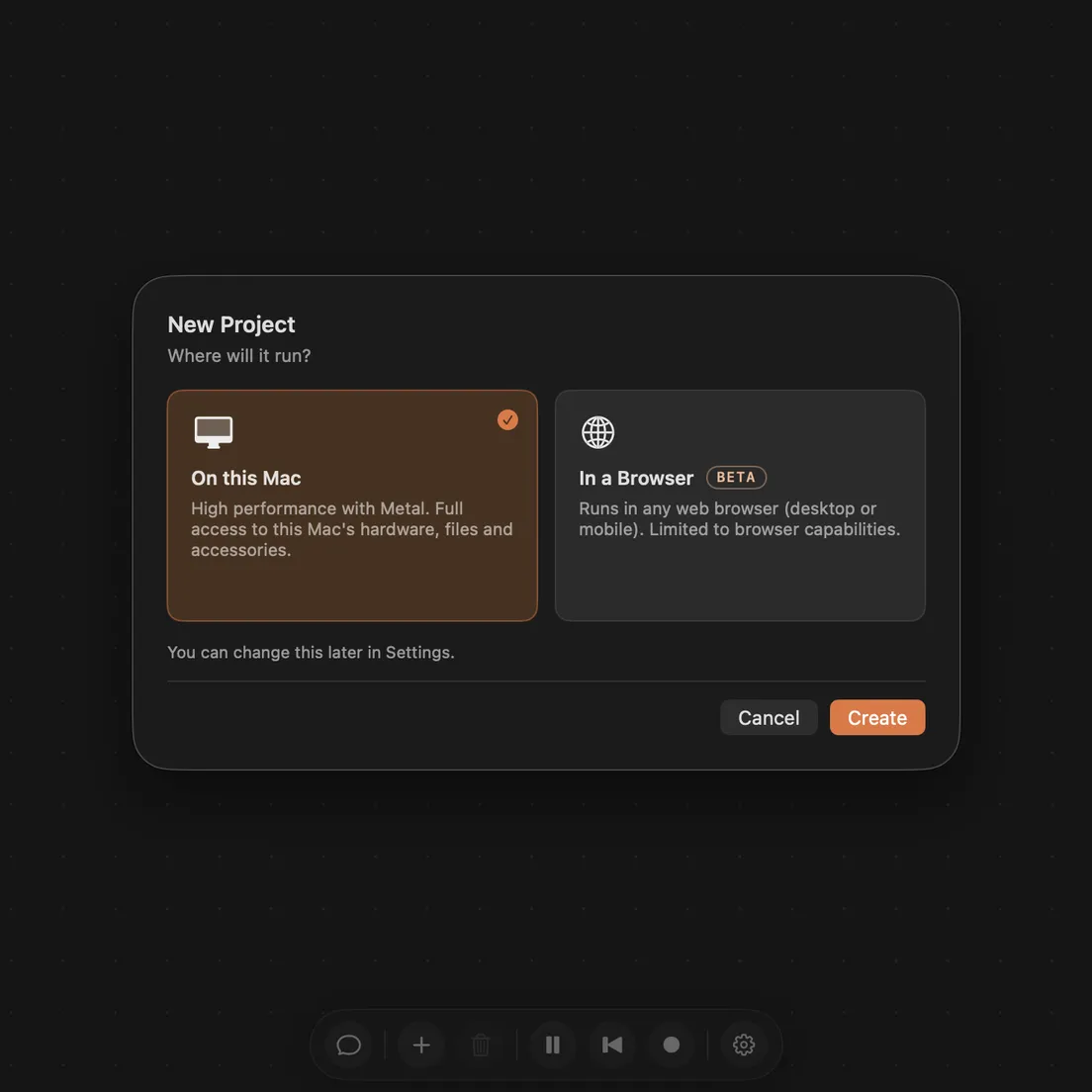
Switch the same project to the browser in place. Export it as one HTML file and open it on any phone or laptop. The effect at the top of this page is one of those files.
Does it work with the AI subscription I already have?
Yes. Connect your eligible ChatGPT plan directly, or use a coding-agent CLI you already have, with your own account and rate limits. It does not ship a model or resell tokens. ChatGPT, Claude Code, Grok, Pi, OpenCode and Muse Code are all supported, and a routing profile can hand routine work to a cheaper model so only the hard parts pay for the top tier.
Can I use it for VJing and live audio visuals?
Yes. Sound comes in from any audio input, a mixer or interface as much as the built-in mic, or from whatever the Mac is playing. It is split into frequency bands for levels and an onset detector for kick, snare and hat triggers, and any of those can drive any parameter. Press Learn and turn a knob to bind a MIDI or OSC control. Pop the output out fullscreen on a second display, and one press records the set, with sound.
Can I do projection mapping?
Yes, for flat and gently curved surfaces. Corner-pin and grid warp are built-in nodes with handles you drag on the node itself, and a popped-out viewport goes fullscreen on the projector at its own resolution. Advanced projection features are on the way as well.
What hardware can I plug in?
Cameras, built in, USB or an iPhone over Continuity Camera. Any audio input, from the built-in mic to a mixer or interface. Any MIDI controller, and OSC from any app on a phone or tablet on the same network. Any display or projector for output. Video and image files drop straight onto the graph.
What does it actually generate, and can I edit the code?
Real Swift and Metal, one implementation per node. On a browser project, JavaScript and WebGL instead. Every node is editable source you can open and change by hand; the agent and your edits operate on the same files. The render itself you can record straight from the viewport, framed and with sound, as a video file in your project.
Can I use it for commercial work?
Yes. What you make in SubjectiveZero is yours: nodes, graphs and projects authored with the app are explicitly not covered by the AGPL, so client work, commercial productions and live shows need no separate licence. The licence applies to the app itself, not to your work.
What does it run on, and is there a Windows or Linux version?
A Mac running macOS 15 or later, Apple Silicon or Intel, plus an eligible ChatGPT plan or a coding agent: Claude Code, Grok, Pi, OpenCode or Muse Code. Windows and Linux are not supported today, but if enough people want them they will get serious consideration, and the project is open source, so contributions are welcome. A browser project exports as one HTML file that runs anywhere.
Who made this?
SubjectiveZero is built by SXP Studio, a self-funded solo studio founded in 2024. See more projects
Why not use Claude Code or Codex directly?
You can. SubZ connects to your ChatGPT plan or an existing coding tool such as Claude Code. What it adds is a harness. Agents work inside the shape of a node rather than a free-form session, which is more constrained and more predictable, and it removes the iteration friction and paper cuts of driving a coding agent directly. Agent graphs are the clearest example: every turn follows steps you can read and edit, so a run does the same thing twice.


 ChatGPT
 Claude Code
 Grok
Grok Pi
Pi OpenCode
 Muse Code